Exploring the World of Virtual Reality Gaming: Experiences, Equipment, and Games to Try
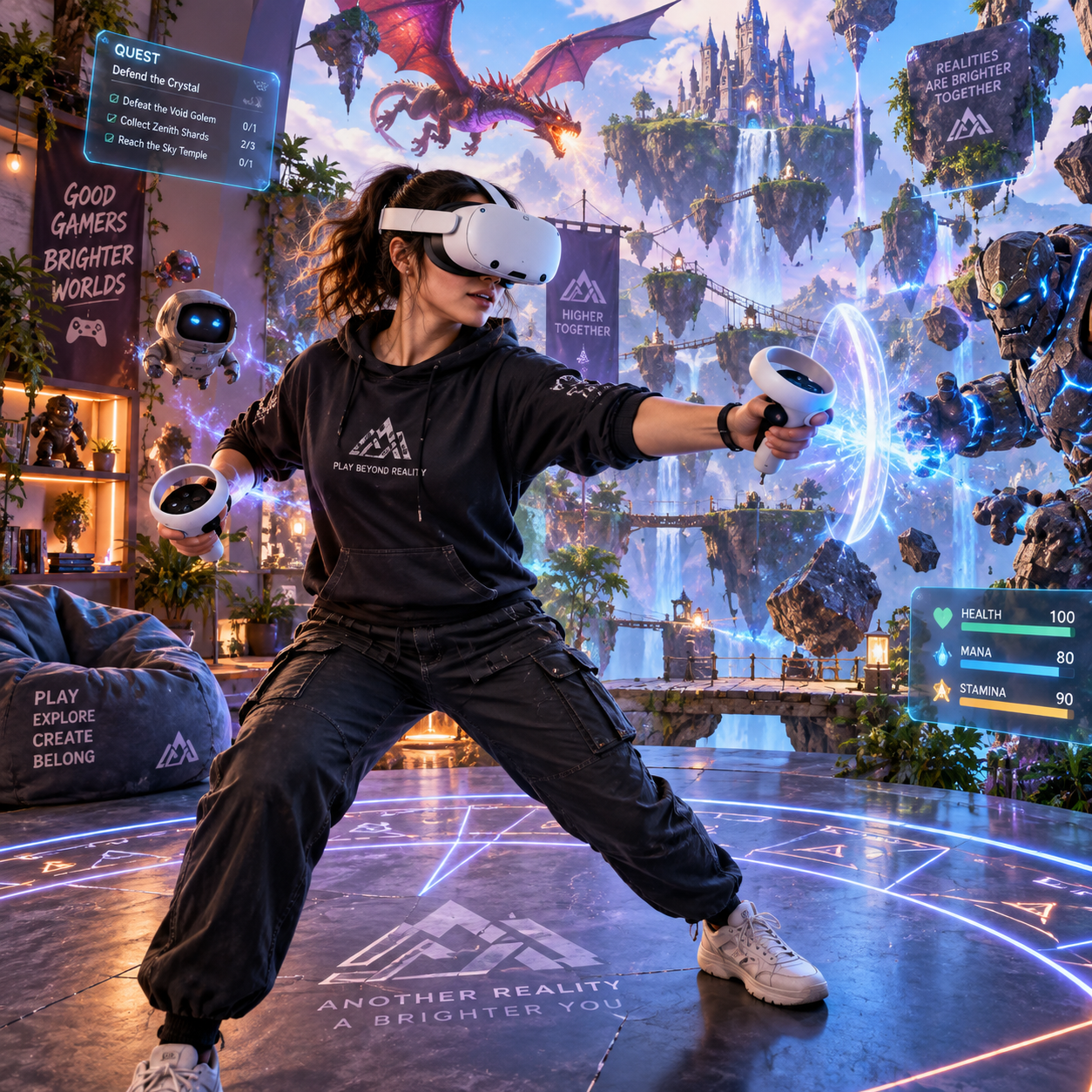
Virtual reality gaming turns a screen-based game into a space you can look around, move through, and physically interact with. A VR headset places stereoscopic images in front of your eyes, while motion tracking and controllers connect your movements to the digital world.
That change in perspective affects everything from aiming a weapon to solving a puzzle. Some games feel like energetic workouts, while others create quiet, atmospheric worlds that reward careful observation. The experience can be remarkable, but comfort, hardware, space, and game design all influence whether VR becomes a regular hobby or an occasional novelty.
What Is Virtual Reality Gaming?
Virtual reality gaming is interactive gameplay experienced through a VR headset, tracking system, and input devices that respond to a player’s head and body movements. Instead of watching an avatar explore a world from outside, you view that world from inside it.
A VR headset uses two small displays, one for each eye, to create depth and perspective. As you turn your head, the image changes naturally, allowing you to look behind objects, inspect a virtual room, or follow an enemy moving across your field of view. Motion controllers add hands and physical actions, such as grabbing, throwing, aiming, and pressing buttons.
The result is often called presence: the convincing sensation that you occupy a digital environment. Presence varies by game. A well-designed escape-room puzzle may make a small virtual space feel rich and tactile, while a poorly calibrated experience can feel awkward or disconnected.
How VR Gaming Works
To make VR gaming work, the headset renders separate images for both eyes, tracks your position, and synchronizes movement with game software. Controllers, headphones, and a defined play area complete the interaction system.
Displays and tracking
The headset’s lenses magnify its displays and create a wide field of view. Tracking sensors monitor head movement and, on many systems, the position of your hands and body. Six-degrees-of-freedom tracking lets you turn, lean, crouch, and move forward rather than simply rotating your viewpoint.
Some headsets use outward-facing cameras for inside-out tracking. Others rely on external sensors or base stations. Inside-out tracking is easier to set up, while dedicated tracking hardware can offer greater precision in a carefully arranged room.
Controllers, audio, and play areas
Motion controllers translate hand movements into game actions. Haptic feedback can signal a collision, weapon recoil, or a button press, giving physical events a small tactile response. Hand tracking may remove controllers in compatible games, although it usually works best for slower interactions.
Spatial audio places footsteps, voices, and environmental sounds around you. A defined boundary system warns you when you approach furniture or walls. In room-scale VR, players can walk within a mapped area, whereas seated and standing modes require less room and suit a wider range of players.
Different Types of VR Gaming Experiences
VR game genres cover action, adventure, rhythm, simulation, horror, puzzle, social, and fitness experiences. The strongest examples use physical movement and perspective as part of the design rather than placing a conventional game on a virtual screen.
- Action and adventure: Swing swords, aim ranged weapons, explore ruins, or interact with characters at close range. These games often make good use of motion controllers.
- Rhythm games: Follow musical patterns with timed arm movements. They are easy to understand and provide an immediate sense of physical participation.
- Simulation: Operate vehicles, build machines, perform jobs, or explore realistic environments. Simulators can be absorbing, though menus and controls may take time to learn.
- Horror: VR horror relies heavily on proximity, darkness, and sound. It can be exceptionally effective, but intense fear and sudden movement may not suit every player.
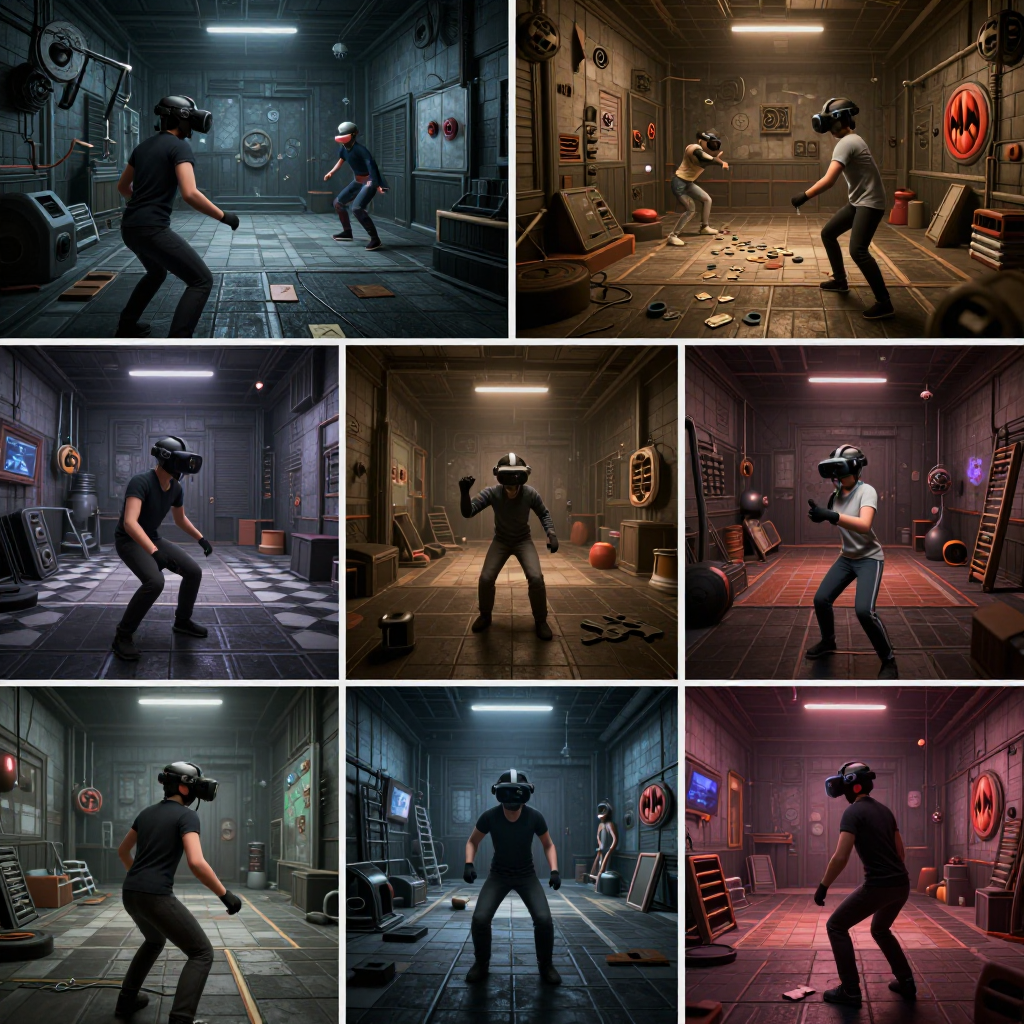
- Puzzle and escape-room games: Examine objects, manipulate mechanisms, and search for clues. These titles are often comfortable starting points because they encourage deliberate movement.
- Social VR: Meet other players, communicate through avatars, and take part in shared activities. The quality of the experience depends on community behavior, moderation, and reliable voice chat.
- Fitness games: Boxing, dance, sports, and guided exercise formats turn gameplay into active movement. They still require sensible pacing, hydration, and enough clearance to avoid hitting nearby objects.
A useful way to choose your first game is to match the experience to your tolerance for movement. Begin with stationary puzzles, rhythm games, or short guided adventures before trying fast artificial locomotion, roller-coaster sequences, or intense horror.
Choosing the Right VR Setup
The right VR setup depends on whether you value convenience, graphics performance, or access to a particular platform. Standalone VR headsets are simplest, PC VR offers more graphical power, and PlayStation VR provides console-focused access for compatible PlayStation systems.
Standalone VR headsets
Standalone headsets contain their own processor, battery, storage, and tracking hardware. They usually start quickly and avoid cables running to a computer. That convenience makes them attractive for beginners, families, and players who want to move between rooms.
The compromise is processing power. Standalone games may use simpler visual effects than demanding PC VR titles, and battery life limits long sessions. Wireless streaming from a computer can expand the library, but it introduces network and configuration considerations.
PC VR
PC VR connects a headset to a gaming computer through a cable or wireless link. A suitable PC can deliver higher-resolution visuals, complex environments, advanced physics, and access to demanding simulations. It is a strong choice for enthusiasts who already own capable hardware.
However, the total cost includes the computer, headset, cable management, and potentially additional tracking equipment. Performance also depends on graphics settings, USB or wireless connectivity, and the specific game.
PlayStation VR and console-based play
PlayStation VR offers a console-based route into VR for players who prefer a living-room setup. It can be easier than building a PC VR system, but compatibility depends on the headset generation, console model, controllers, and individual game support.
Before buying, check five practical factors: platform compatibility, available play space, prescription-glasses fit, controller style, and the games you actually want to play. A cheaper headset with access to your preferred experiences may provide more value than a technically stronger system you rarely use.
What Makes VR Games So Immersive?
VR games feel immersive because they combine visual depth, responsive movement, physical interaction, spatial audio, and environmental storytelling. Together, these elements make the player feel located inside the game rather than positioned in front of it.
Looking behind a virtual object changes how you gather information. Reaching for a tool, physically ducking under an obstacle, or leaning around a doorway gives ordinary actions a bodily quality. Even a simple interaction can become memorable when the game responds immediately and consistently.
Spatial audio strengthens that effect. A voice behind your shoulder, a machine humming to your left, or footsteps approaching from another room gives the environment a directional structure. Good sound design can guide attention without placing an arrow on the screen.
Environmental storytelling also benefits from the format. Players can inspect photographs, notice details on a desk, or discover a hidden path by looking around. This is where VR differs most clearly from traditional gaming: the world communicates through proximity and personal observation, not only through camera angles and dialogue boxes.
Benefits and Challenges of Virtual Reality Gaming
Virtual reality gaming offers stronger physical presence and more active interaction than traditional gaming, but it also costs more, demands careful setup, and can create comfort problems for some players.
Key benefits
- Immersive gameplay: Depth, scale, and responsive movement can make environments feel unusually immediate.
- Physical interaction: Players reach, aim, block, throw, and gesture instead of relying only on buttons.
- Varied experiences: VR supports quiet puzzles, competitive action, social spaces, creative tools, and exercise-focused games.
- Novel perspective: Familiar genres can feel fresh when the player occupies the game world directly.
Common limitations
- Cost: A headset may be only one part of the expense, with games, accessories, a console, or a capable PC adding to the budget.
- Comfort: Headset weight, lens pressure, heat, and facial fit can affect longer sessions.
- Motion sickness: Artificial movement that does not match the body’s physical sensation can cause nausea, dizziness, or eye strain.
- Space and safety: Cables, furniture, pets, and other people create hazards during active play.
- Limited accessibility: Some games require standing, rapid arm movement, two working hands, or precise vision and hearing.
Choosing VR for immersion means accepting more physical and technical demands than traditional gaming. Seated VR, adjustable locomotion, subtitles, comfort settings, and shorter sessions can make the format more accessible, but no single setup suits everyone.
Tips for Getting Started With VR Gaming
To start VR gaming comfortably, choose a low-intensity title, prepare a clear play area, adjust the headset carefully, and stop at the first sign of discomfort. Early sessions should teach your body how VR feels rather than test your limits.
- Start with stable gameplay. Choose seated or standing games with minimal artificial movement, such as puzzles, rhythm games, or gentle exploration.
- Clear the play space. Move fragile objects, secure cables, keep pets away, and leave enough room to extend both arms. Use the headset’s boundary system every time.
- Adjust the headset. Set the strap firmly without over-tightening, align the lenses with your eyes, and use the correct interpupillary-distance setting if available.
- Use comfort options. Try teleport movement, snap turning, reduced visual motion, vignettes, and seated mode before using smooth locomotion.
- Keep sessions short. Begin with 10 to 20 minutes, take breaks, and remove the headset if you feel dizzy, nauseated, headachy, or unusually fatigued.
- Review the game before buying. Check its locomotion style, accessibility options, player ratings, required controllers, and average session structure.
One common mistake is treating motion sickness as something to push through. That can make the association with VR worse. Stop, rest, and return later with a gentler game or a more stable movement option. Comfort is part of performance: a player who feels secure will explore more confidently and enjoy the design details that VR does best.
Frequently Asked Questions About VR Gaming
Is virtual reality gaming suitable for beginners?
Yes. Beginners can start with seated experiences, rhythm games, puzzles, and short guided adventures. A gradual introduction is preferable to starting with fast movement or intense horror.
Do I need a powerful gaming PC for VR?
No. Standalone VR headsets do not require a gaming PC, and console-based systems use compatible consoles. PC VR does require a computer capable of meeting the headset and game’s performance requirements.
What types of games are best in VR?
The best choice depends on your preferences and motion tolerance. Puzzle, rhythm, simulation, adventure, horror, social, and fitness games all offer distinctive strengths, so review comfort settings as carefully as genre descriptions.
How much space is needed to play VR games?
Seated and standing games need only enough room to move your head and arms safely. Room-scale VR requires a clear area large enough for the headset’s boundary system, with extra clearance from walls, furniture, lamps, and other hazards.
How can players reduce motion sickness in VR?
Begin with stationary games, use snap turning or teleport movement, lower visual intensity, keep sessions short, and stop as soon as symptoms appear. A fan providing gentle airflow can also help some players maintain a sense of orientation.
Virtual reality gaming is at its most convincing when hardware and design work together quietly. If you choose a suitable platform, begin with comfortable experiences, and give yourself enough space, VR can offer a style of play that traditional screens cannot fully reproduce: the feeling of entering a game and acting within it.